Analyze data and build trackers, docs and decks in HR, finance and ops. No repository needed.
A day in the life
9:00You attach last quarter's review export to a Chat and open it in an Excel canvas.
10:00The agent tags each review by theme and builds a chart you tweak in plain language.
13:00You turn sales data into a forecast workbook with a dashboard tab.
15:00Meeting notes become a Word memo, a short deck and a tracker with owners.
16:30A teammate asks a question in the shared data project and gets an answer with its source.
Use cases
Analyze a CSV of customer reviews
A good first session for anyone who does not work in a repository.
Office canvases: Availability variesChats
Office canvases: The Word, Excel and PowerPoint canvases may not be on for your account yet. If they are not in the Canvas view in Customize, ask the agent to write the .docx, .xlsx or .pptx file with a script and open it in Office.
Start a Chat. You do not need a project or a branch.
Attach the CSV, paste the prompt and keep refining in plain language.
Open the attached CSV of customer reviews in an Excel canvas. Add columns for sentiment and theme, build a pivot of themes by month, and chart the top five themes. Tell me which rows you could not classify and why.
Outcome: A tagged workbook with a theme chart you can share.
Turn raw sales or ops data into a tracker you iterate on by describing changes.
Office canvases: Availability variesChats
Office canvases: The Word, Excel and PowerPoint canvases may not be on for your account yet. If they are not in the Canvas view in Customize, ask the agent to write the .docx, .xlsx or .pptx file with a script and open it in Office.
Using the attached data, build a workbook with a monthly forecast for the next two quarters, a tab that explains the method in plain language, and a dashboard sheet with charts. Then wait for my changes.
Outcome: A forecast workbook with its method written down.
Create Word, PowerPoint and Excel files from one set of notes.
Office canvases: Availability variesChats
Office canvases: The Word, Excel and PowerPoint canvases may not be on for your account yet. If they are not in the Canvas view in Customize, ask the agent to write the .docx, .xlsx or .pptx file with a script and open it in Office.
From the notes below, create a one-page Word memo, a three-slide PowerPoint summary and an Excel tracker of action items with owner, due date and status columns.

<paste notes here>
Outcome: Three matching files ready to edit and share.
A project with instructions and reference files that teammates use to ask questions about a data source.
Repository configConnectors: Availability varies
Connectors: Connectors may not be on for your account yet. If they are not in the Customize view, add the service as an MCP server where your admin allows it, or attach an export.
Help me set up a project that answers questions about <data source>. Draft project instructions that describe the tables, define our key metrics and require every answer to cite the table and query it used. Add a README with five example questions.
Outcome: A reusable project where answers come with their sources.
Connectors: Connectors may not be on for your account yet. If they are not in the Customize view, add the service as an MCP server where your admin allows it, or attach an export.
Office canvases: The Word, Excel and PowerPoint canvases may not be on for your account yet. If they are not in the Canvas view in Customize, ask the agent to write the .docx, .xlsx or .pptx file with a script and open it in Office.
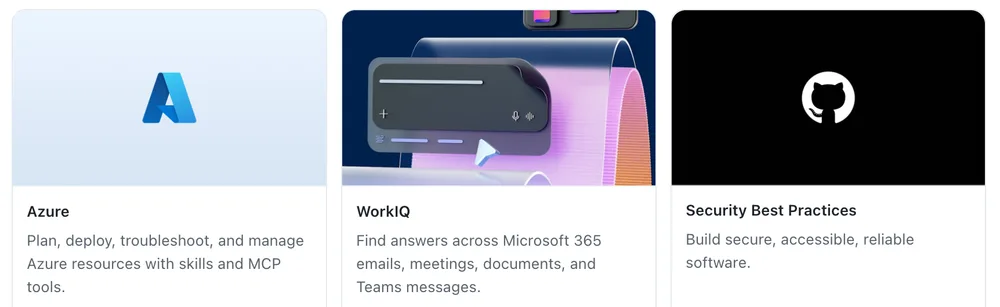
Featured plugins in Customize, including WorkIQ for Microsoft 365 context. Real app component rendered with test data.
Using the connected work data source, collect the last two weeks of discussion about <topic> from our team channel and meeting notes. Summarize decisions, open questions and owners, then draft a Word document. Show me the outline first.
Outcome: A document grounded in what the team discussed.